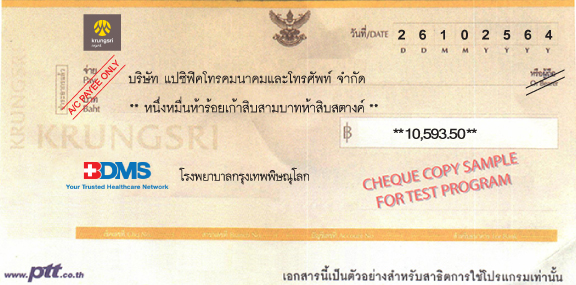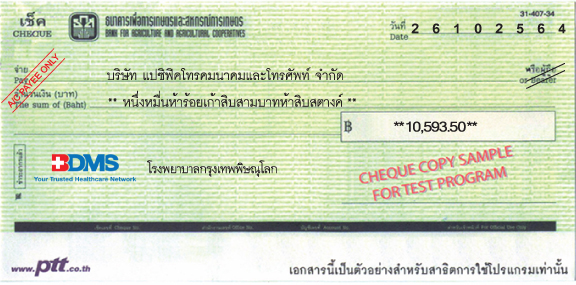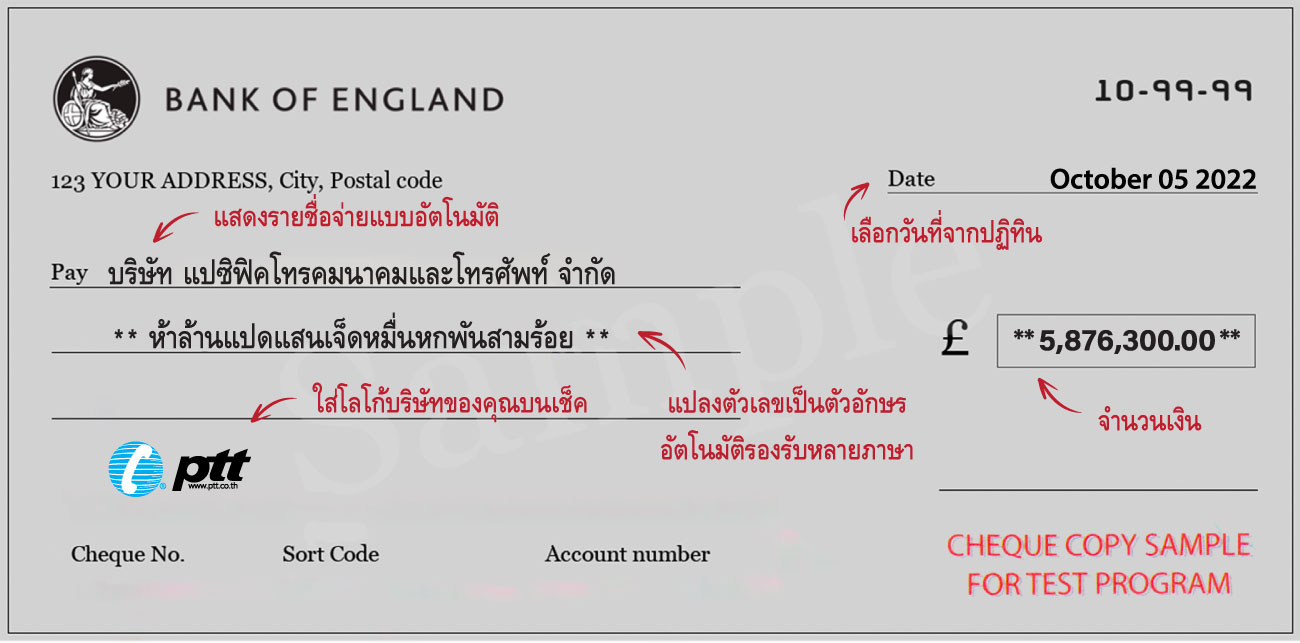

เพิ่มอัตลักษณ์ให้แบรนด์ของคุณเป็นที่รู้จักและน่าจดจำมากยิ่งขึ้น ทั้งยังช่วยจำแนกการจ่ายเช็คอย่างง่ายดาย ในกรณีที่บริษัทมีโลโก้แตกต่างกันในเครือ ลดความสับสน และยากต่อการปลอมแปลง

โดยปกติผู้ใช้เช็คมักเลือกใช้เช็คจากหลายธนาคาร และถ้าต้องการพิมพ์โลโก้ด้วย จำเป็นจะต้องซื้อเช็คเป็นจำนวนมาก ทำให้มีค่าใช้จ่ายสูง

ข้อมูลเช็คที่เคยพิมพ์จะถูกจัดเก็บไว้ในระบบ พร้อมที่จะเรียกขึ้นมาใช้งานสำหรับการจ่ายเช็คครั้งใหม่ได้ตลอดเวลา

เพียงคุณพิมพ์จำนวนตัวเลข ตัวหนังสือจะแสดงขึ้นมาโดยอัตโนมัติ ซึ่งเป็นจุดสำคัญที่มักจะเกิดความผิดพลาด

วางแผนการจ่ายเช็คล่วงหน้าได้ จากการตรวจสอบวงเงินคงเหลือในระบบ ทำให้ทราบข้อมูลก่อนจ่ายเช็คทุกครั้ง เพื่อป้องกันปัญหาเช็คเด้ง

สามารถตั้งค่าให้รายงานได้ทั้งแบบรวมและแบบแยกออกไปตามประเภทต่างๆ เช่น แยกตามบริษัท แยกตามธนาคาร แยกตามวันเดือนปี แยกตามค่าใช้จ่าย เป็นต้น

โปรแกรมโลโก้เช็คสามารถรองรับการทำงานในหน่วยงานราชการได้อย่างมีประสิทธิภาพ โดยมีผู้ใช้งานจริงที่เป็น อบต. เทศบาล และหน่วยงานราชการทั่วประเทศ

สามารถพิมพ์ใบหักภาษี ณ ที่จ่าย จากฐานข้อมูลลูกค้าภายในโปรแกรมได้ เพื่ออำนวยความสะดวกในการใช้งาน








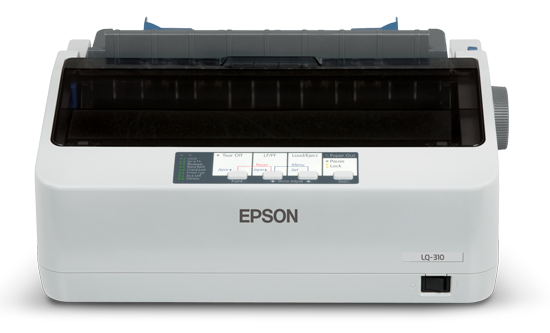
เป็นเครื่องพิมพ์ชนิดแรกที่ถูกผลิตขึ้นมาใช้งาน โดยการทำงานจะใช้หัวเข็มกระแทกเข้ากับผ้าหมึกส่งไปยังกระดาษ
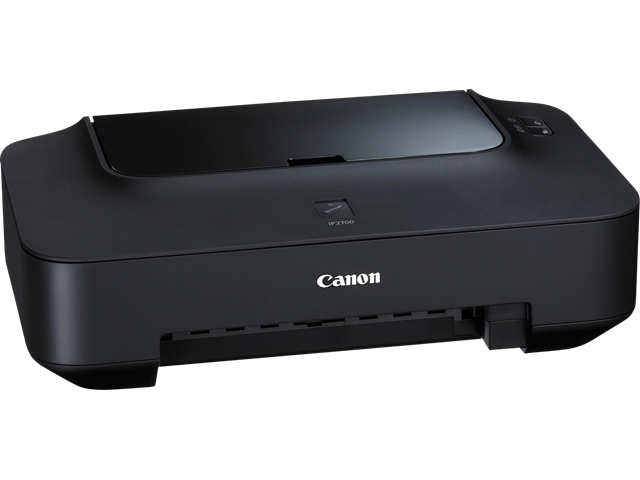
เป็นเครื่องพิมพ์ที่ทำงานโดยการพ่นหมึกออกมาเป็นหยดเล็กๆ ลงบนกระดาษ
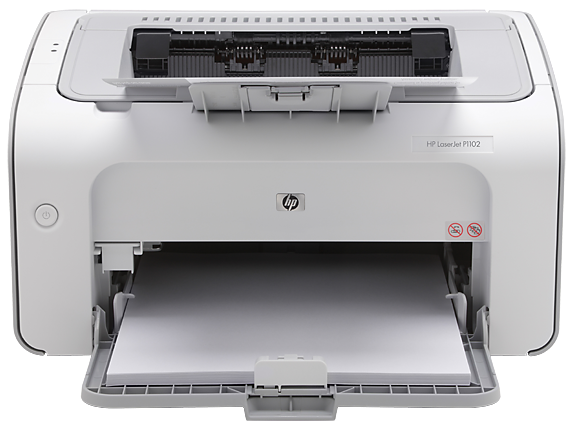
เป็นเครื่องพิมพ์ที่มีรูปแบบการทำงานคล้ายกับเครื่องถ่ายเอกสาร คือ การใช้ระบบฉายแสง โดยมีแหล่งกำเนิดแสงเป็นเลเซอร์
 บริษัท 13 เหรียญ โยธินพัฒนา จํากัด
 เทศบาลเมืองอุตรดิตถ์
 Panasonic Electric Works (Ayuthaya) Co., Ltd.
 เอ็มโอแอล โลจิสติกส์ ประเทศไทย
 สยามไวเนอรี่
 Cadulac (Thailand) Co., Ltd
 รัชดาก่อสร้าง
 บริษัท เฮเฟเล่ (ประเทศไทย) จำกัด
 บมจ.เป๊ปซี่-โคล่าไทยเทรดดิ้ง
 บริษัท ทรงพล การบัญชีและกฎหมาย จํากัด
 องศา กราฟิค
 เทศบาลเมืองพิจิตร
 เทศบาลตำบลเชิงทะเล
 NEC Infrontia Thai Limited
 โรงพยาบาลบางมด
 รัชดาเมดิแคร์
 บริษัท สกายบุ๊กส์ จํากัด
 เทศบาลตำบลไทรม้า
 Mitsubishi Electric kangyong Watana
  Toshiba Lighting Components (Thailand)
  โตโยต้านนทบุรี ผู้จำหน่ายโตโยต้า
 JET COMPUTER PLUS CO.,LTD.
 บริษัท โตโยต้า กรุงไทย จํากัด
 K.V.N. CONSTRUCTION
  บริษัท ไทยโอริกซ์ลีสซิ่ง จํากัด
 บริษัท เบอร์ลี่ ยุคเกอร์ฟู้ดส์ จํากัด (มหาชน)
 โกรเวล แมนูแฟคเจอริ่ง
 บมจ.ลีพัฒนาผลิตภัณฑ์
 บมจ. ข้อมูลเครดิตแห่งชาติ
 S&P Syndicate Plc Co.,Ltd.